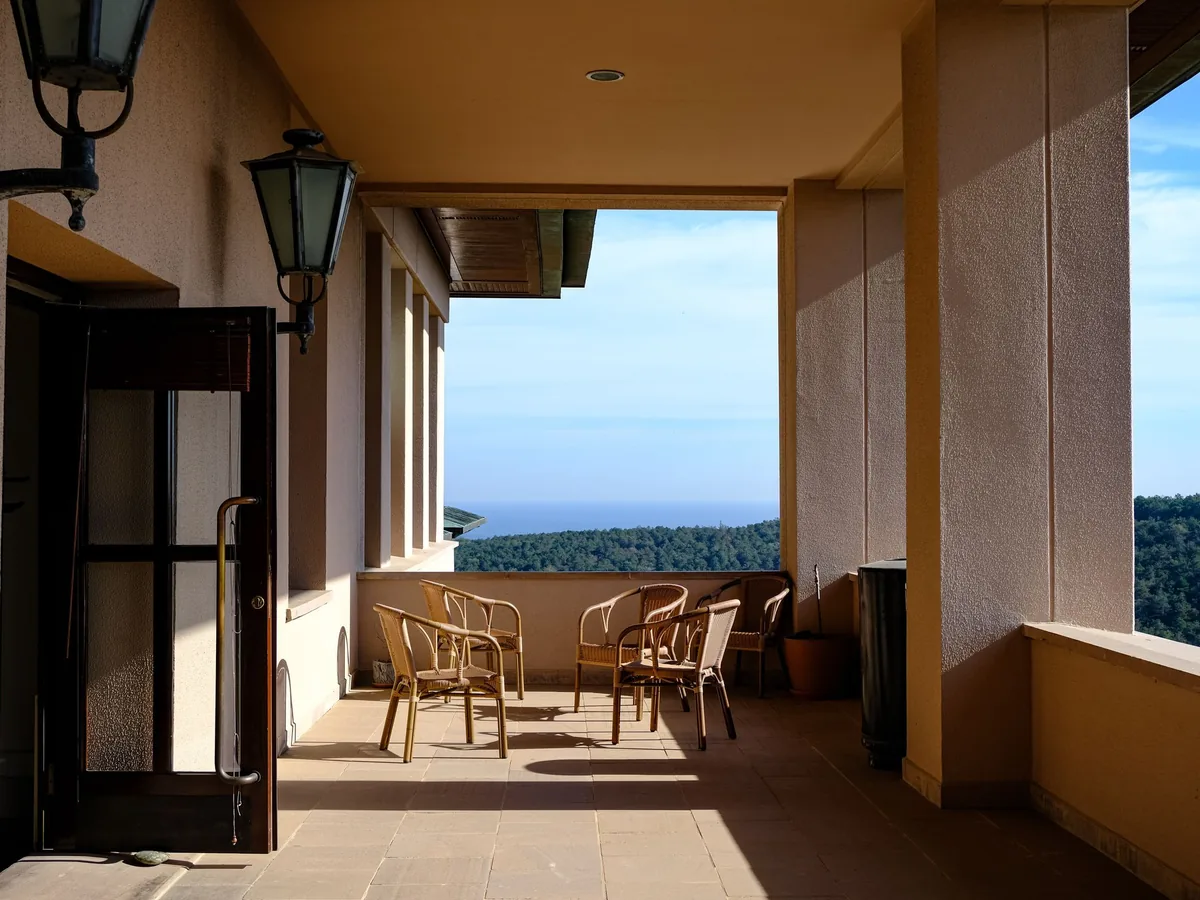
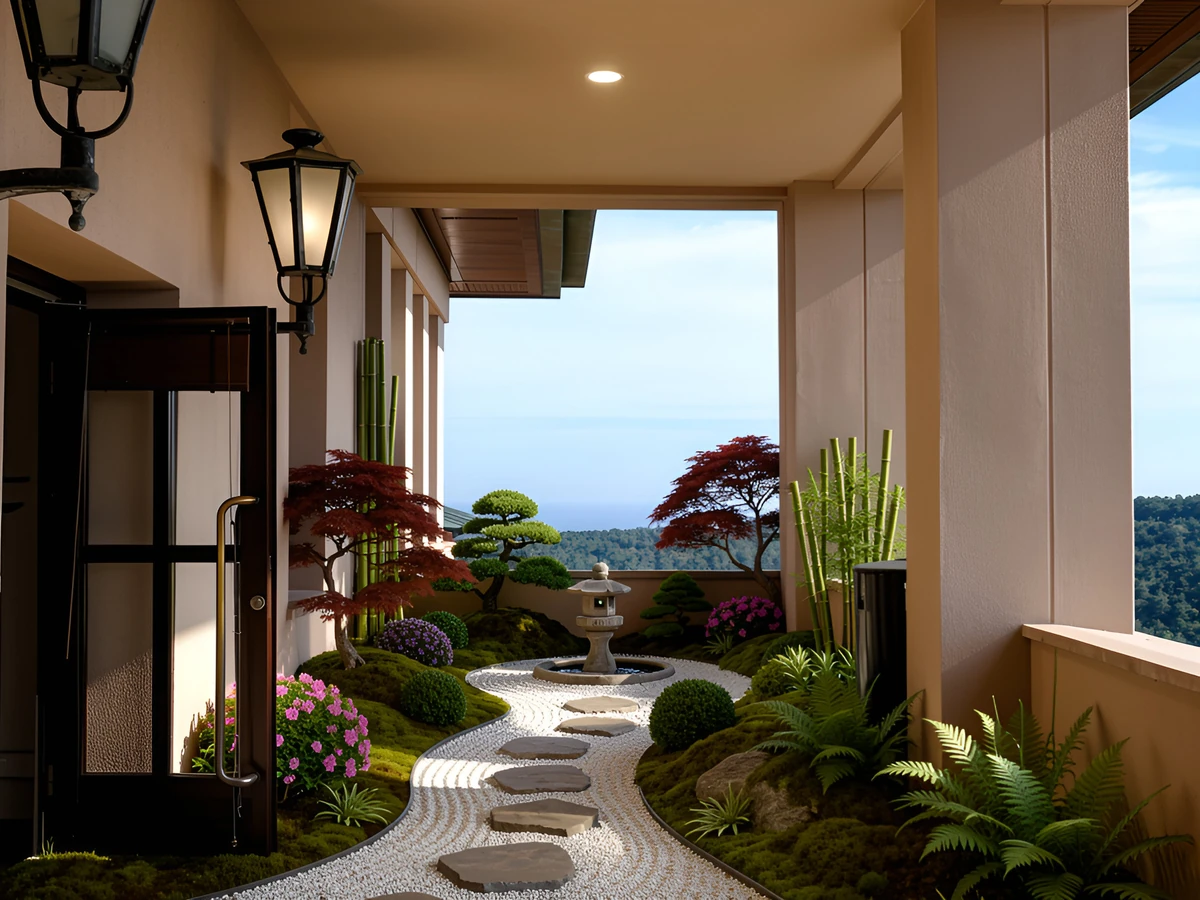
Use these focused workflows to move from a room photo to the right planning, redesign, or decorating decision.
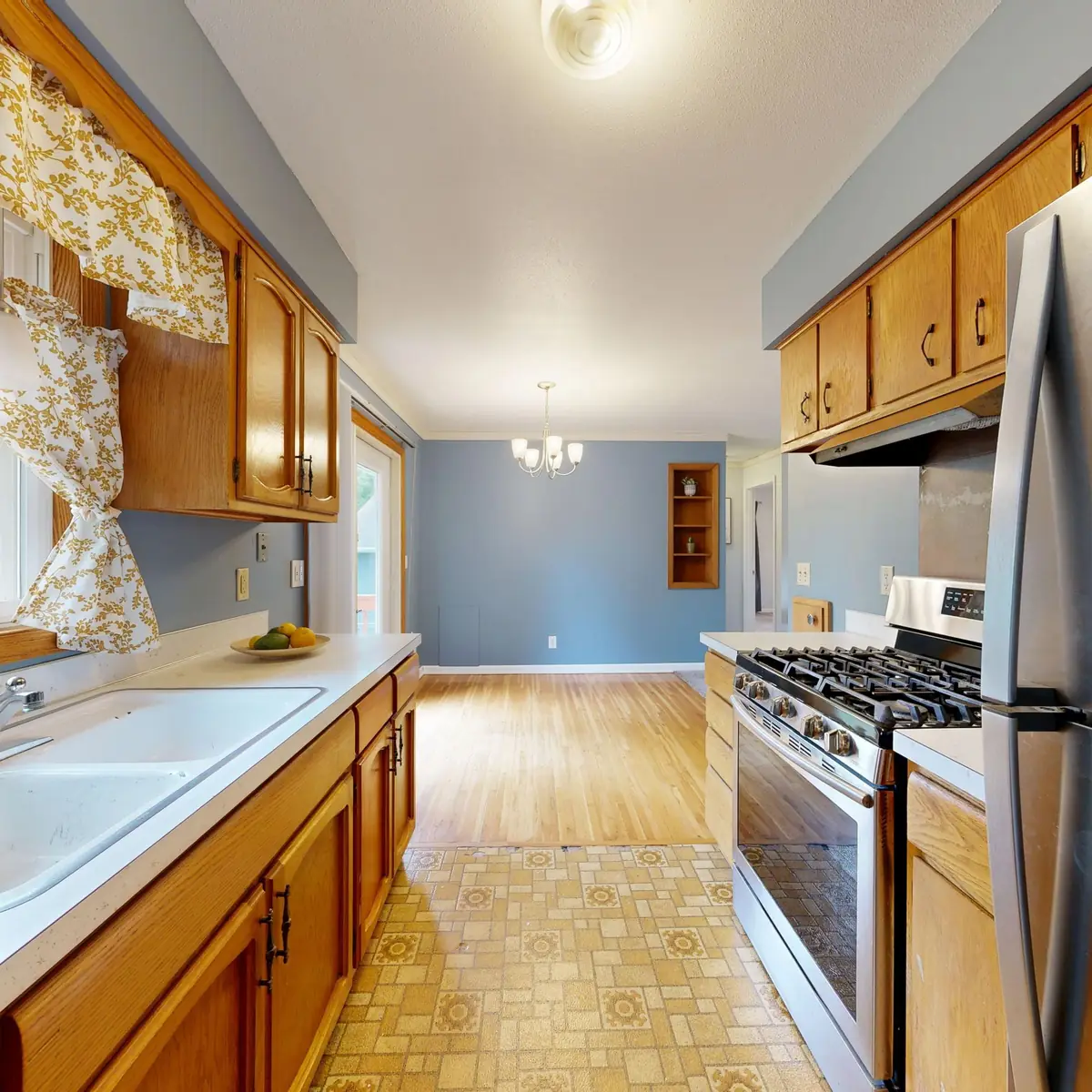
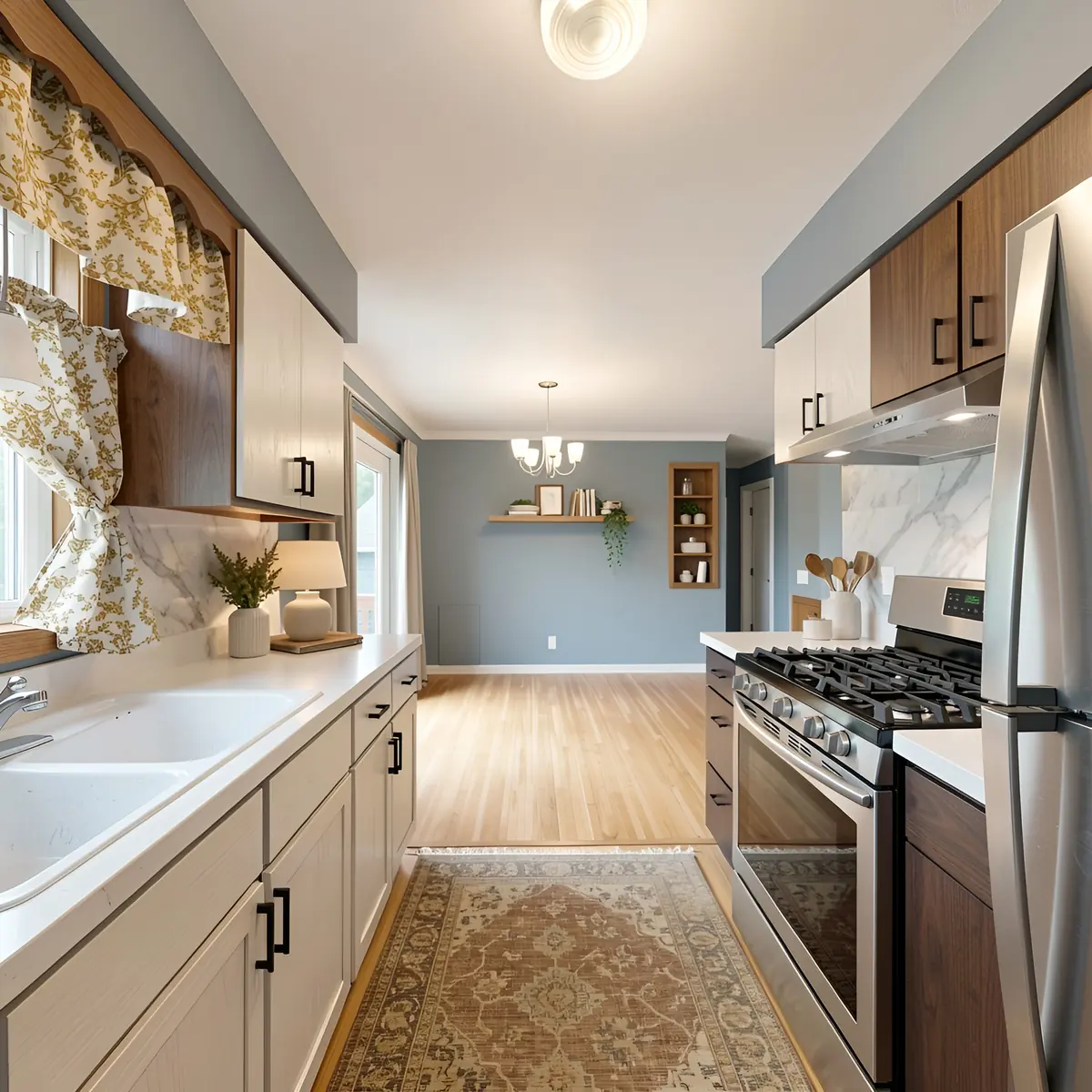
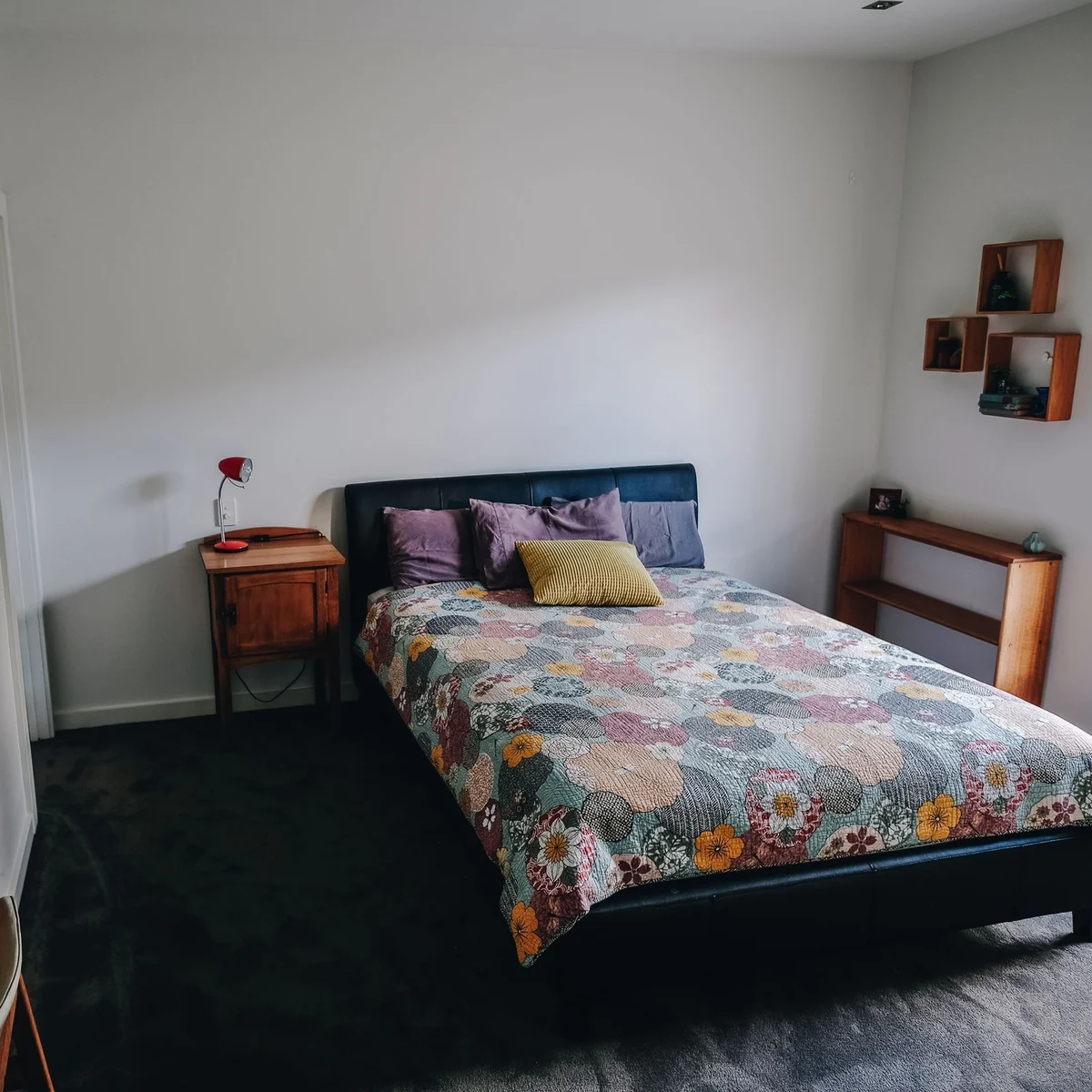
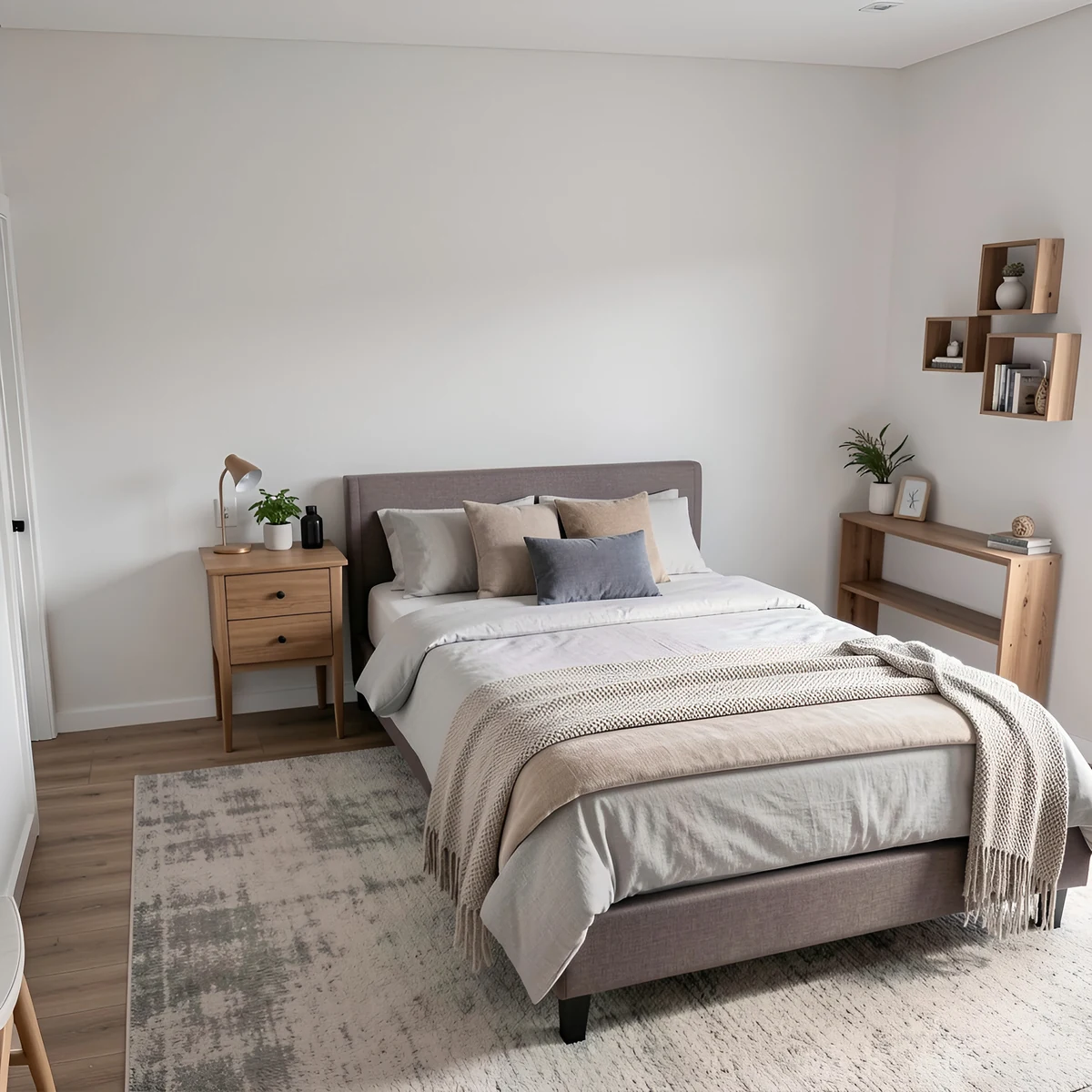
Design from a real room photoUse the walls, windows, lighting, furniture, and proportions in your actual room instead of guessing from a blank template.
Compare styles before buyingTry modern, Scandinavian, Japandi, farmhouse, bohemian, luxury, minimalist, and custom room design prompts in minutes.
Start free without signupUse free daily credits from your browser, then share or download the strongest room design concept when you find a direction to keep.
Your first design is just the start
The studio keeps going with you, one change at a time.
Turn a finished room into a 3D preview you can turn and explore before you buy anything.
Talk to your designerPlus
A live voice call with an interior designer, architect or landscape designer who sees your design.
Plan it
Paint colors with real codes, materials, plants for your climate and a rough cost range.
Your projects, saved
Every design and version is kept, so you can pick up a room, a facade or a garden later.
Choose the right tool after the first design
Move from the direct room design tool into planning, decorating, staging, paint, exterior design, or the full AI tools directory when the project needs more detail.
RoomsGPT analyzes your uploaded room photo and reimagines it in your chosen design style. Upload a photo, select a style from 61+ options or describe your own, and receive a realistic redesign concept in seconds.
Is the AI room design tool free to use?
Yes. RoomsGPT includes a free plan with daily credits, so you can upload room photos and test design ideas at no cost. Paid plans add a monthly credit pool with no daily cap, watermark-free downloads and an ad-free experience.
What rooms can I redesign with AI?
Our AI works with any interior room including living rooms, bedrooms, kitchens, bathrooms, dining rooms, home offices, nurseries, and more. The tool recognizes room types and applies design styles appropriately for each space.
Can I use my own custom design style?
Absolutely! While we offer 61+ preset styles from Modern to Bohemian to Art Deco, you can also describe your own custom style. Simply switch to Custom mode and type a description like 'warm minimalist with terracotta accents' and watch the AI bring your vision to life.
Keep exploring
More RoomsGPT tools for the next step in your project.