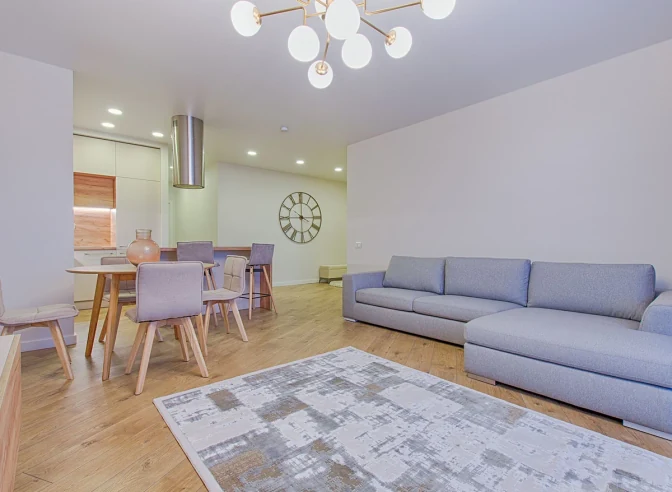
Change one thing
Tap a spot or type “make the sofa green”. Every change is a new version you can undo.
Upload a room photo and generate a new look. When the result is ready, continue into the visual editor to change a selected area or choose 3D Preview to explore the design from another angle.
Every example below was pre-generated from a RoomsGPT render and turned into 3D. They show what the models can do. Your own result always depends on your photo.
Create the first render below. The completed result contains the editing and 3D continuation actions, so there is no need to upload it again.
Use a clear, well-lit photo and choose the room and style you want to explore.
RoomsGPT creates a redesigned image while retaining the room as the visual reference.
Tap Change something to edit one area. For 3D, open the menu on your result and choose 3D preview, which needs a free account.
The studio keeps going with you, one change at a time.
The visual editor offers three selection methods because different photos and changes need different levels of control.
More RoomsGPT tools for the next step in your project.