Wallpaper visualizer
Upload a photo of your room, choose a wallpaper or design your own, and see it on your wall before you buy a single roll.
- 1Photo
- 2Wallpaper
- 3Preview
Choose a wallpaper
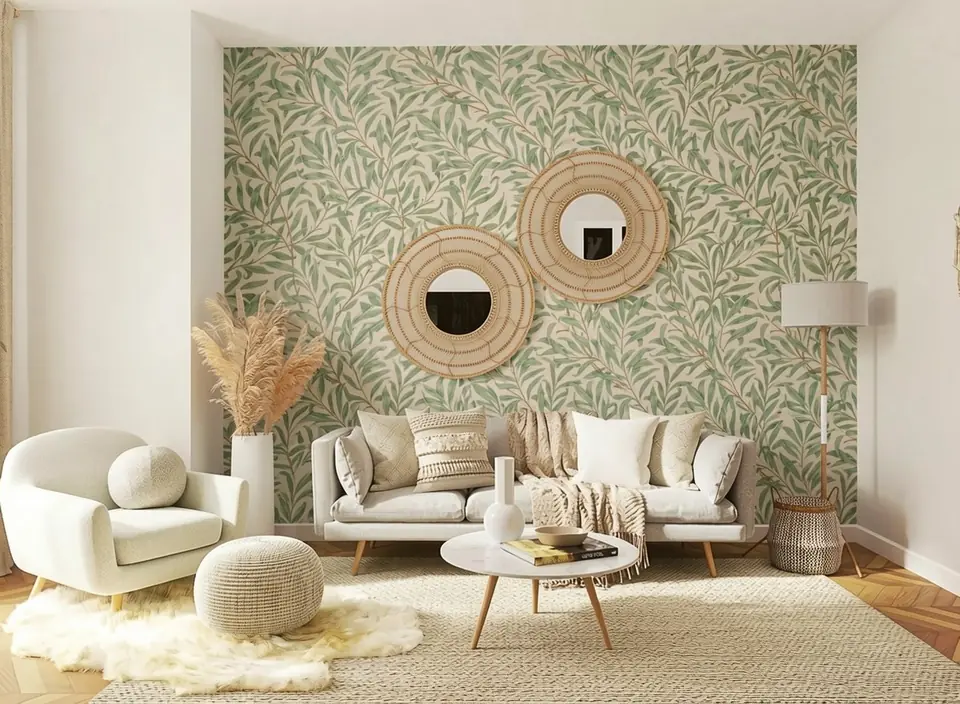 Sample room
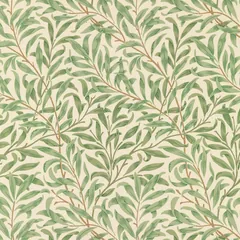 Willow boughs
On your wall
Which wall?
Pattern size
On a sample room
Sample roomWillow boughsBefore you buy a roll
Try wallpaper on your own walls
Wallpaper is a big commitment and a small sample tells you little. See the whole pattern across your wall, in your light, next to your furniture, then order samples of the ones you love.
Our wallpapers
18 patterns to start with, from William Morris classics to stripes, geometrics and kids' prints.
Your own find, or your own design
Upload a product photo or snap a sample in the shop. Or describe a pattern, get four designs for free, and download the one you love as a print-ready file.
The right scale
Choose a small, medium or large print, and the pattern follows your wall's perspective and light.
How it works
Upload your room
A clear photo facing the wall works best. Your furniture can stay in the shot.
Choose or design a wallpaper
Pick one of ours, upload a photo of one you found, or describe it in a few words and get four designs.
See it on your wall
Name the wall, or mark it on your photo. In about 15 seconds you see it papered, with your furniture and art left as they are.
Frequently Asked Questions
Is the wallpaper visualizer free?
What photo of my room works best?
Can I try a wallpaper I found in a shop?
Can I design my own wallpaper and print it?
Will it look exactly like the real wallpaper?
Does it work for wall murals?
Thinking about paint instead?
Try paint colors from real brands on the same wall with the paint visualizer.
Try the paint visualizerRelated Tools
Ready to See These Colors in Your Room?
Upload a photo of your room and see it transformed with AI. Try different colors, styles and layouts, and get instant results.
Try the AI room designer free