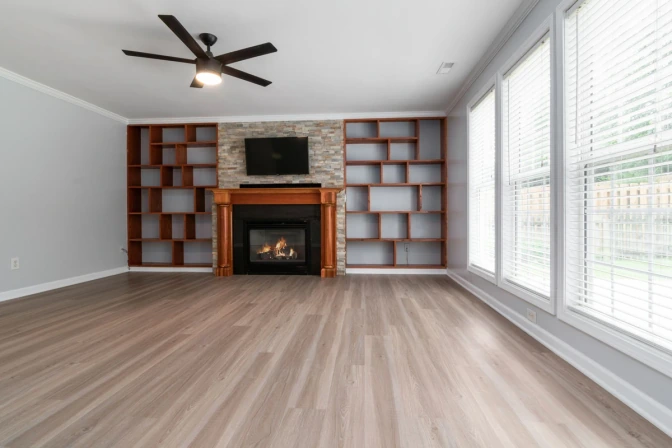
Change one thing
Tap a spot or type “make the sofa green”. Every change is a new version you can undo.
Upload your room, choose a style, and generate realistic AI room design ideas before you decorate, renovate, or buy furniture.
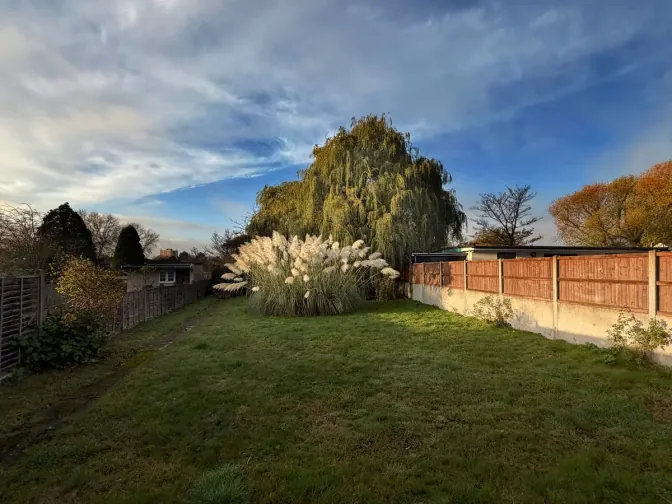
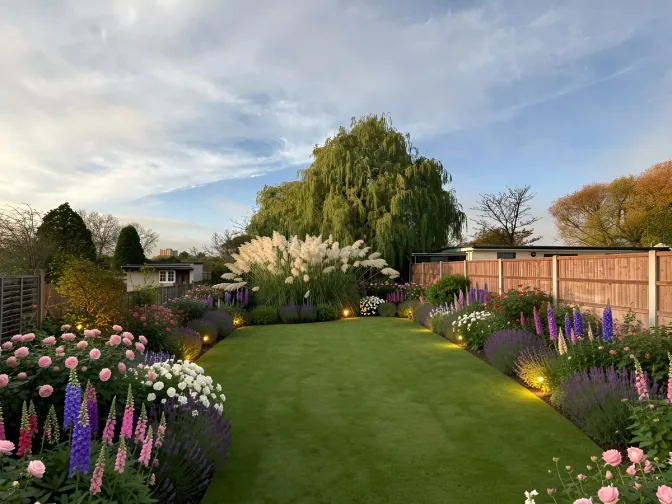
Need exterior or landscape design?Try exterior designTry garden design
Choose the goal and constraints to keep through each design variation.
Each pair is the same photo before and after. Drag the line to compare.


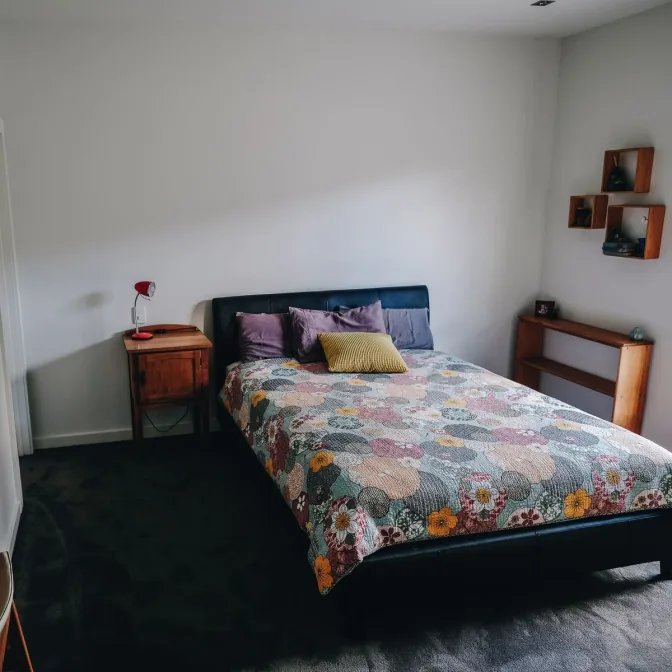
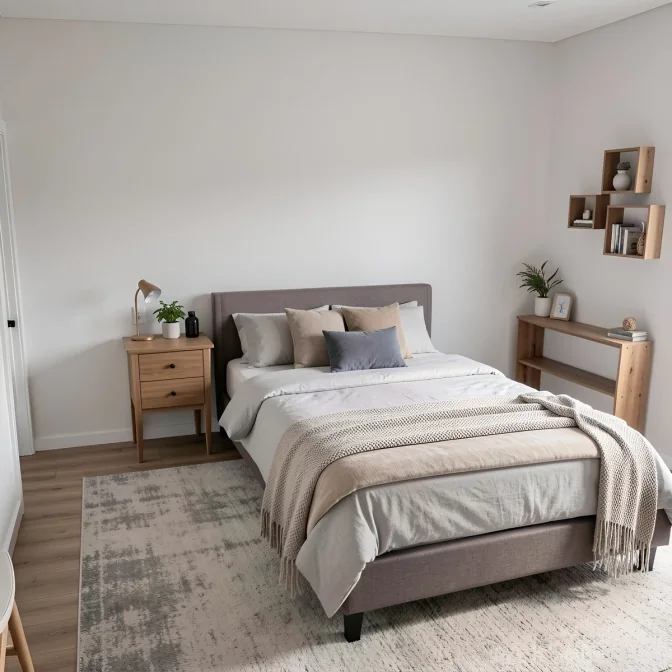
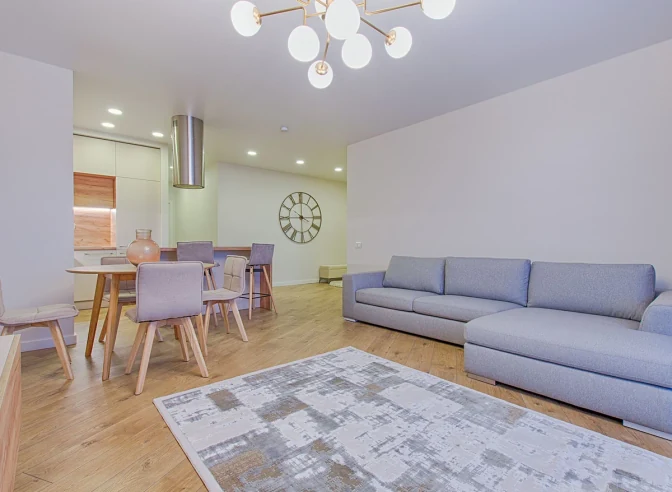
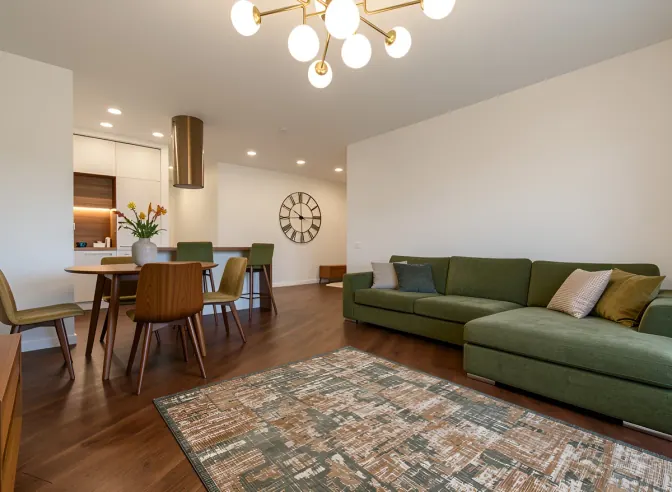


RoomsGPT is a room design AI that starts from your own photo, not a blank template. Upload a picture of the room as it is today: a phone photo taken from a corner, in daylight, works best. The generator keeps the walls, windows and floor where they are and redesigns what you would change in a real room makeover: furniture, colors, lighting, rugs and decor.
Pick one of 61+ styles or describe the look in your own words, for example “warm Japandi, keep the sofa, oak floor”. In 10 to 30 seconds you get a new design on your actual room, with a before and after slider so you can compare it with the original.
Not sure where to start? Try three directions on the same photo: one light, one warm and one bold. Then keep the one you like and change a single thing, such as the wall color or the lamp, until it feels right.
What it is for: deciding on a look before you buy furniture, paint or tiles. What it is not: a measured plan. For exact dimensions, use the 3D room planner; to build the brief first, use the AI room planner.
Our AI interior design tool works with every room in your home. Get inspiration and see transformations for any space.
Use these focused workflows to move from a room photo to the right planning, redesign, or decorating decision.
The studio keeps going with you, one change at a time.
Move from the direct room design tool into planning, decorating, staging, paint, exterior design, or the full AI tools directory when the project needs more detail.
AI room design FAQ
More RoomsGPT tools for the next step in your project.